01 / 05

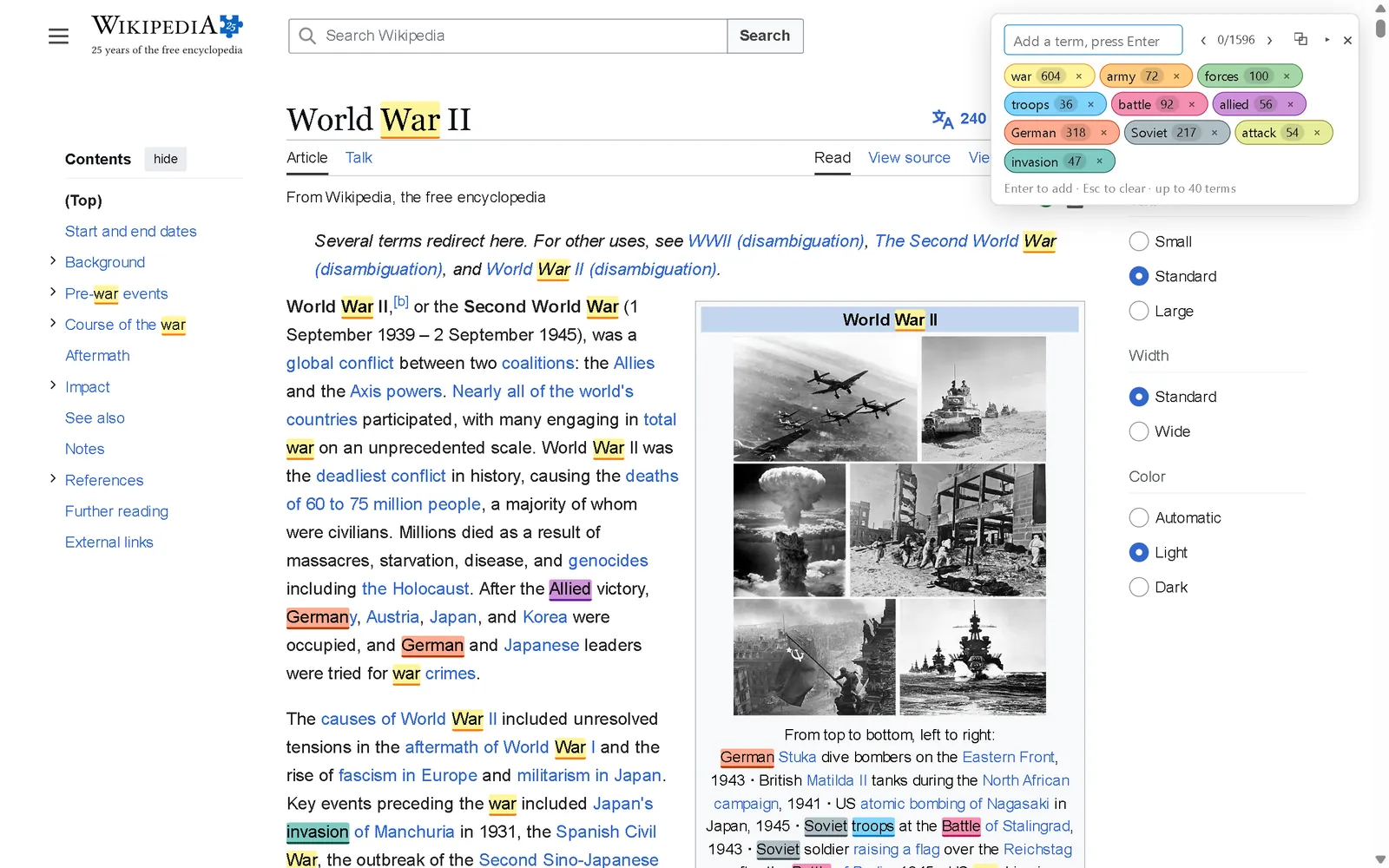
TurboFindHighlight Multiple Words
40 search terms at once, each in its own colour. Wildcards and regex included, free.
- Multi-term search — up to 40 keywords at once, each in its own colour
- Clear about what it knows — counts show as provisional while a search is still running, and are marked when a result is incomplete for a reason TurboFind can detect
- Jump between matches — step through results with Enter and Shift+Enter, with your position shown
From the Chrome Web Store listing
02 / 05

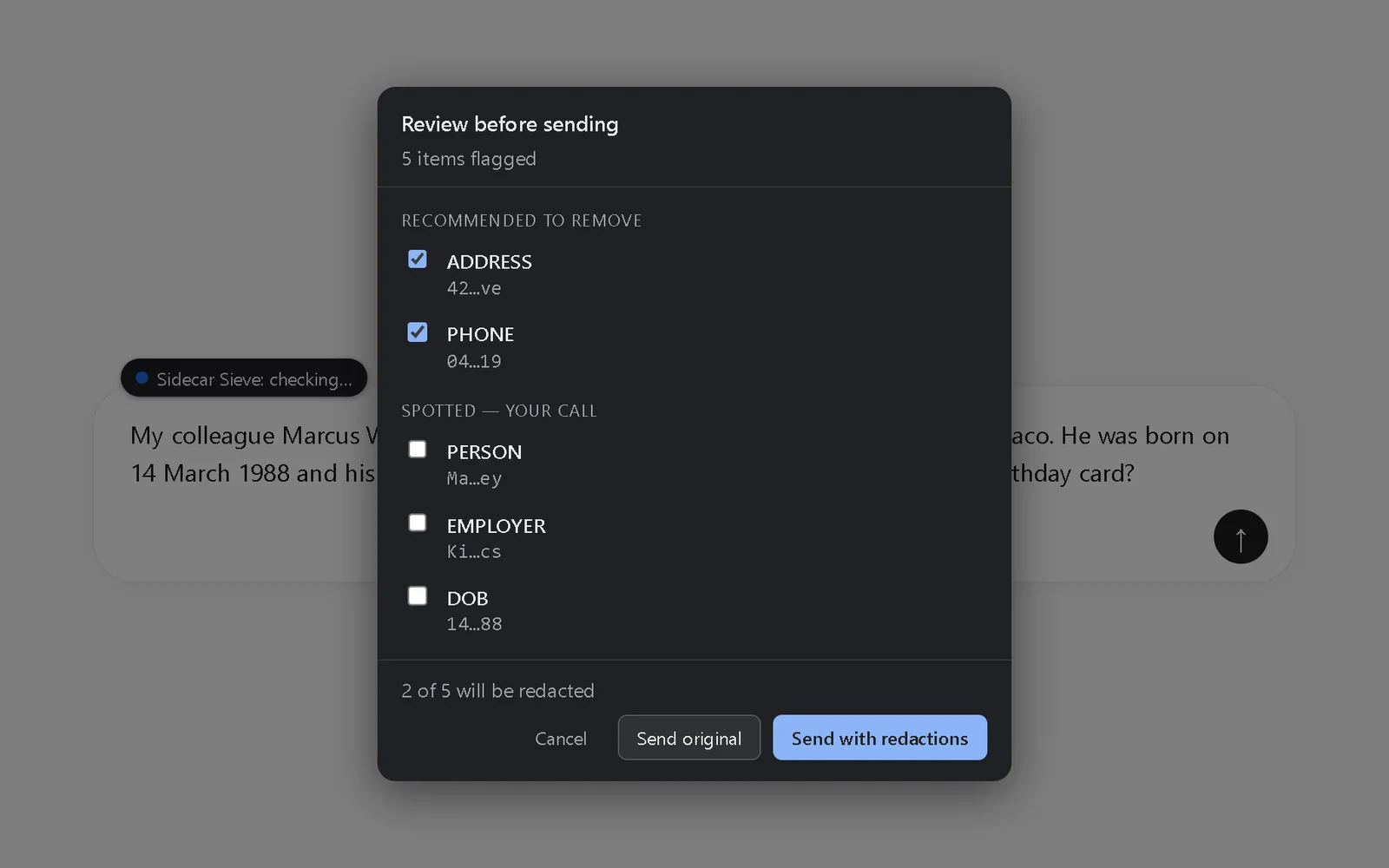
Sidecar SieveRedact PII Before You Paste into AI
Catches names, addresses and API keys before you send them to ChatGPT, Claude or Gemini — and says when it can't.
- You see what it found, decide what to remove, and send.
- Detailed review shows each item so you can pick. Quick confirm gives you a single yes/no prompt when something's flagged.
From the Chrome Web Store listing
03 / 05

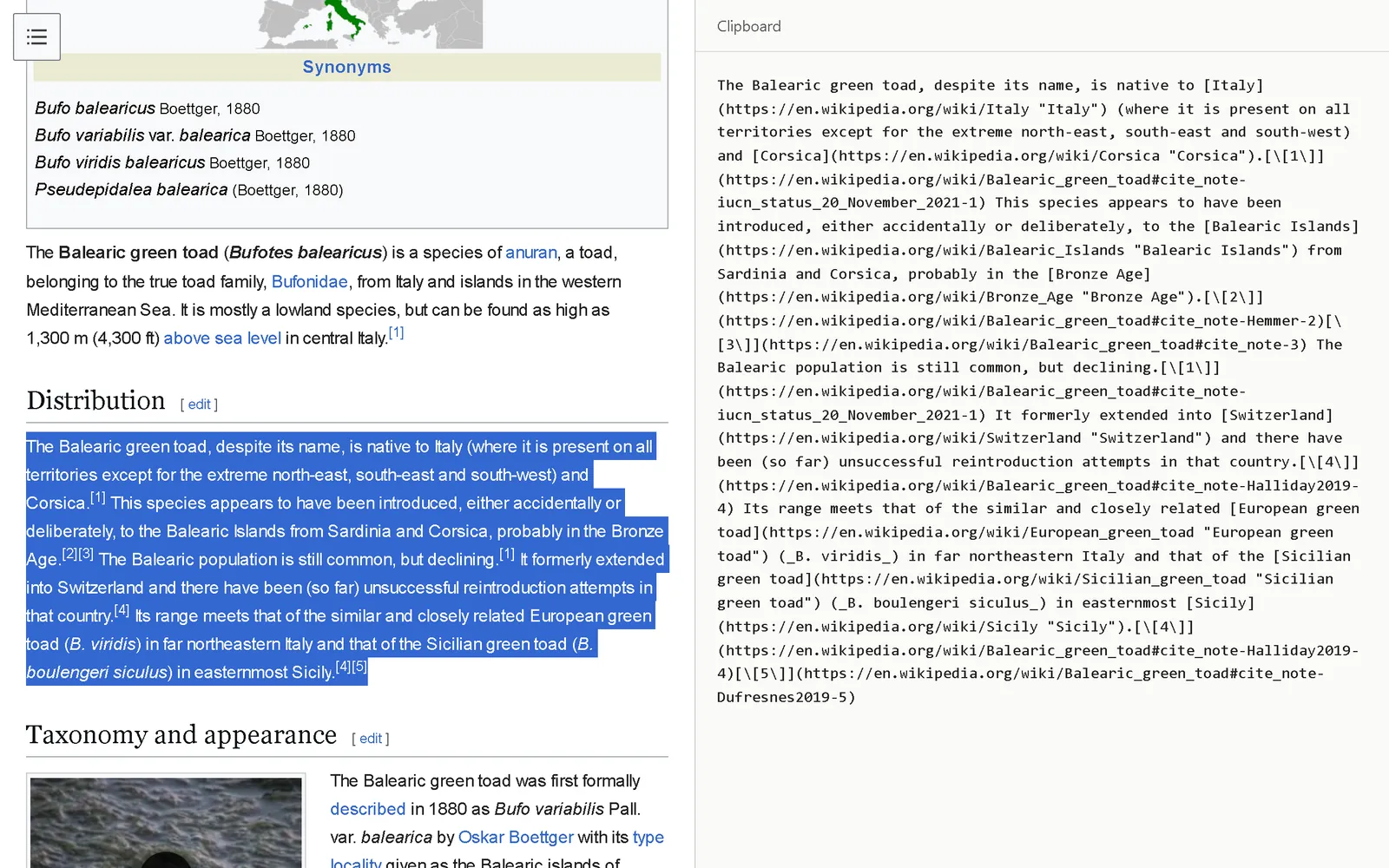
Sidecar ClipperCopy Page as Markdown
Copy any page or selection as clean Markdown, ready to paste into Claude, ChatGPT, Obsidian or your notes.
- Select text on any page, right-click, and choose "Copy as Markdown"
- Click the toolbar icon to capture the whole article
From the Chrome Web Store listing
04 / 05

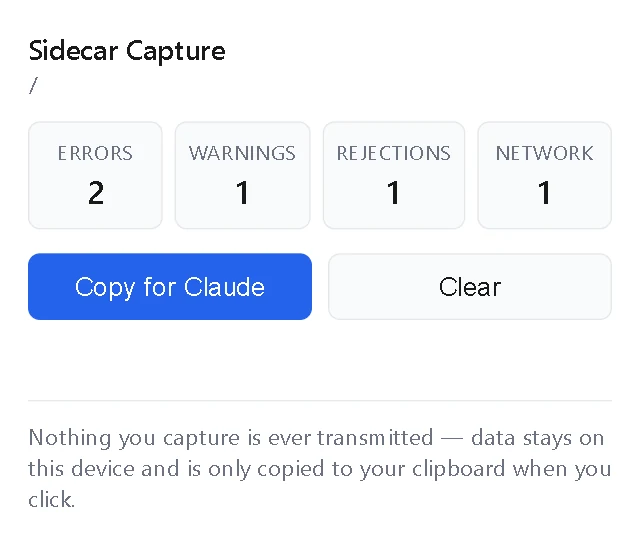
Sidecar CaptureCopy Console Errors for AI
Catches console errors in the background, so you can copy them for Claude or ChatGPT without opening DevTools.
- When something breaks, click the toolbar icon and hit "Copy for Claude".
From the Chrome Web Store listing
05 / 05

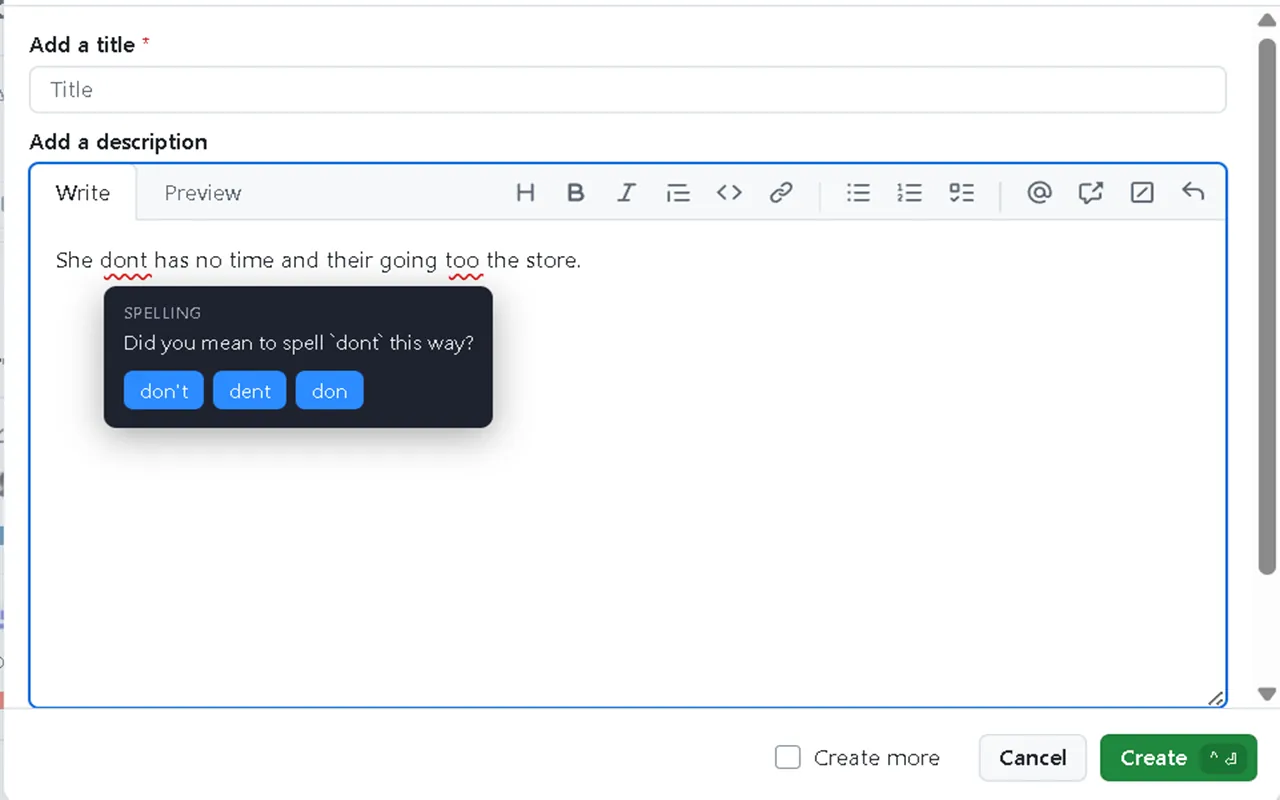
Sidecar Grammar
Private, on-device grammar checking. Your writing is never transmitted — checked entirely on your device.
- Hover an underline to see the suggestion, click to apply it.
From the Chrome Web Store listing
From the Sidecar Sieve listing
“— and says when it can't.”
Sidecar Sieve reads the text in the message box. It cannot read file attachments, images, dictated speech, or large pasted blocks that the chat site converts into an attachment rather than leaving as text.
When any of these are present, it does not stay silent: the badge turns amber to tell you part of your message hasn't been checked, and you're asked to confirm before it sends.
Some rich text editors aren't supported — if a field isn't being checked, open the extension and it will tell you.
A match can't cross an element boundary. If a phrase has a link, bold or italics anywhere inside it — including between its words — it won't be found. Searching "New York" on a page where "York" is a link finds nothing there, and the count gives no sign of it. This is the biggest limitation in the extension.
Some content is unreachable. Text inside iframes isn't searched. Nor is text inside components that keep their contents private from extensions — and those, by their nature, can't even be flagged. Text hidden from screen readers is also skipped without a flag.
With assistive technology attached to the tab, a very large search — around 20,000 matches — can leave the browser unresponsive for tens of seconds. This is a cost inside Chrome's own accessibility processing rather than in the extension.